
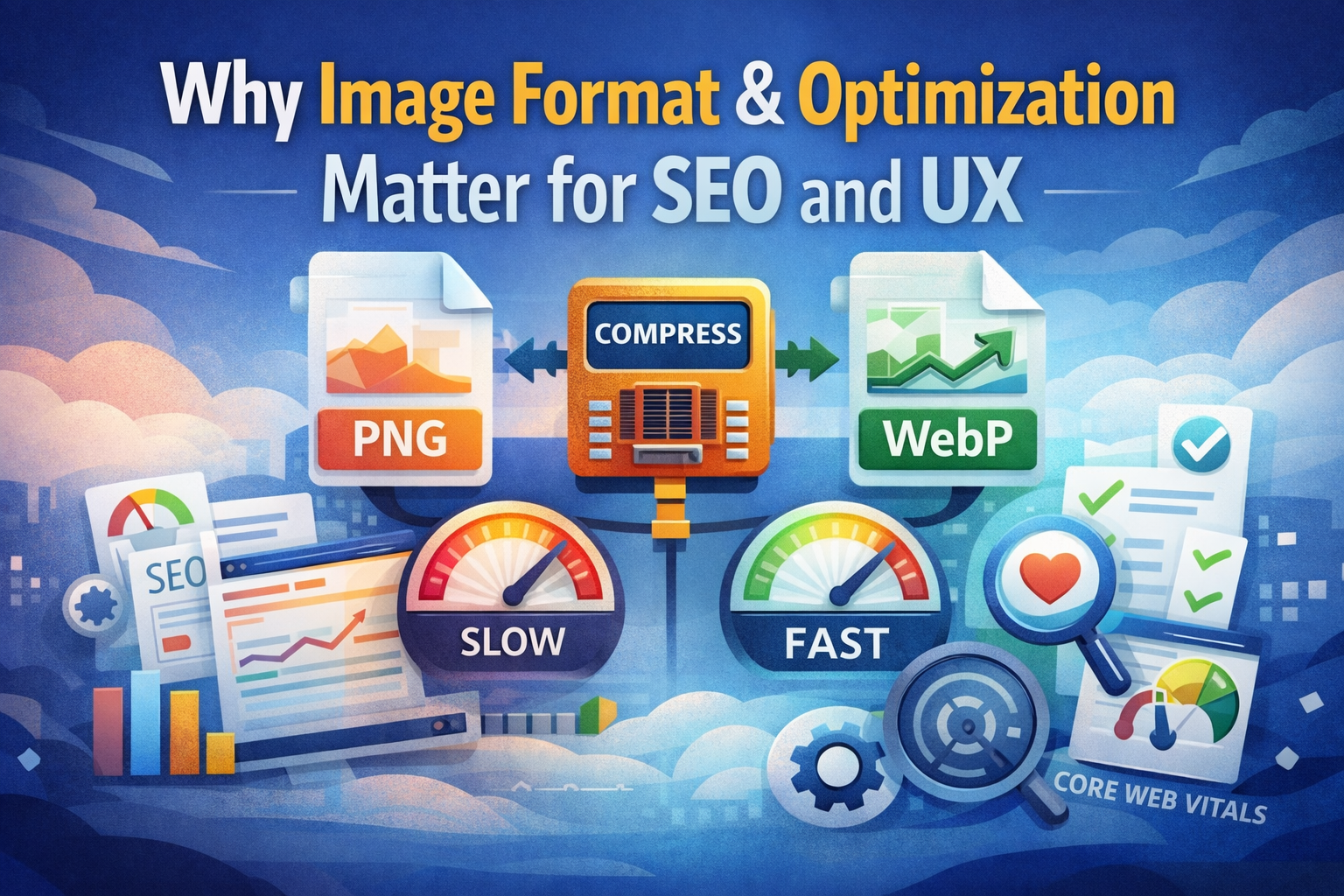
Images are no longer just visual enhancements. They directly influence page speed, crawl efficiency, rankings, and user experience (UX). Yet image optimization remains one of the most misunderstood and incorrectly implemented aspects of SEO.
Most websites either:
- Upload large images without compression, or
- Convert images into modern formats without optimizing them first
Both approaches hurt performance.
To truly understand image optimization, you must first understand why image format matters, and then how proper compression + conversion improves both SEO and UX.
Why Image Format Matters for SEO and UX
Image format determines how browsers load, decode, and render images. Different formats handle compression, transparency, and quality very differently.
From an SEO and UX standpoint, the image format impacts:
- Page load speed
- Core Web Vitals (LCP, CLS)
- Mobile performance
- Crawl budget usage
- Visual clarity on different devices
Common Image Formats and Their SEO Impact
JPEG / JPG
- Good for photographs
- Lossy compression
- Larger file sizes compared to modern formats
PNG
- Supports transparency
- Higher quality
- Significantly larger file sizes
- Often overused for regular images
WebP
- Modern image format
- Smaller file size with similar or better quality
- Faster loading
- Preferred by Google for performance
Using the wrong image format, especially large PNGs where WebP would suffice—directly increases load time and negatively affects SEO.
Why Image Optimization Matters for SEO and UX
Image optimization goes beyond format selection. It focuses on reducing file size without sacrificing visual quality.
When images are not optimized:
- Pages load slower
- Bounce rates increase
- Largest Contentful Paint (LCP) worsens
- Mobile users suffer the most
- Search engines crawl fewer pages
SEO Benefits of Proper Image Optimization
- Faster page speed
- Improved Core Web Vitals
- Better mobile usability
- Higher crawl efficiency
- Improved rankings and visibility
UX Benefits of Optimized Images
- Faster perceived load time
- Smooth scrolling
- Reduced data usage
- Better experience on low-bandwidth connections
SEO and UX are tightly connected, and images sit right at the intersection of both.
The Common Image Optimization Mistake Most Websites Make
This is where most people get image optimization wrong.
The usual workflow looks like this:
- Upload a large PNG or JPG
- Directly convert it to WebP
- Assume the image is now optimized
This approach is flawed.
Why This Is a Problem
If the original image is heavy, converting it directly to WebP still carries unnecessary data into the new format. The result:
- WebP image is smaller than PNG, but still bloated
- Page speed improvements are limited
- Core Web Vitals gains are minimal
Format conversion is not optimization. Compression is.
The Correct Image Optimization Workflow (Most People Miss This)
To achieve real SEO and UX gains, image optimization should follow this order:
Step 1: Compress the Image First
Before changing formats, you must compress the original image.
Compression removes:
- Unnecessary metadata
- Excess color data
- Invisible pixels that add weight
Using the DigiForBiz Image Compressor, you can:
- Compress images without visible quality loss
- Handle bulk images
- Customize compression levels
- Reduce file size drastically before conversion

This step alone often cuts image size by 40–70%.
Step 2: Convert the Compressed Image to WebP
Once the image is compressed, then convert it to a modern format.
Using the DigiForBiz PNG to WebP Converter after compression ensures:
- Maximum size reduction
- Better browser decoding
- Faster rendering
- Cleaner performance signals for Google
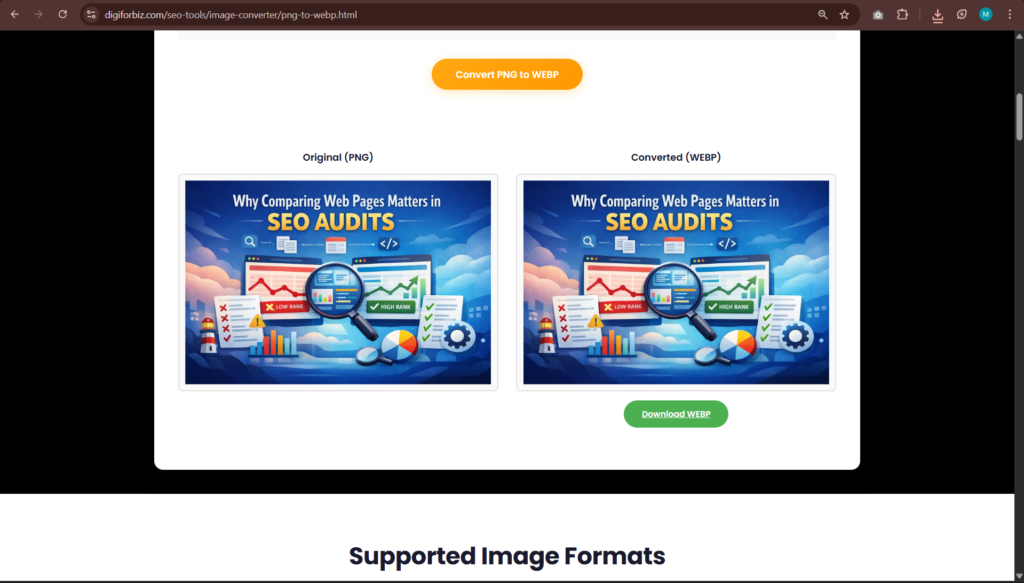
This two-step process delivers real performance gains, not superficial ones.
Why DigiForBiz Tools Fit Modern SEO Workflows?
DigiForBiz SEO tools are built specifically for practical SEO execution, not vanity features.
DigiForBiz Tool to Convert Images
- No signup required
- Bulk compression support
- Adjustable compression levels
- Preserves visual quality
- Ideal for blogs, SaaS sites, and landing pages
DigiForBiz Tool to Convert PNG to WebP
- Converts already optimized images
- Maintains transparency
- Produces lightweight WebP files
- Perfect for Core Web Vitals optimization
Used together, they align with how Google expects images to be optimized today.
Image Optimization Is Not Optional Anymore
With mobile-first indexing and Core Web Vitals as ranking signals, image optimization is no longer a “nice-to-have.”
If your workflow skips compression and jumps straight to format conversion, you are:
- Leaving performance gains on the table
- Hurting SEO scalability
- Delivering suboptimal UX
The correct approach is simple:
- Compress images first, then convert compressed PNGs to WebP using DigiForBiz Image Converter Tool.
That is how image optimization should be done, for both SEO and UX.
 thetechforpcad